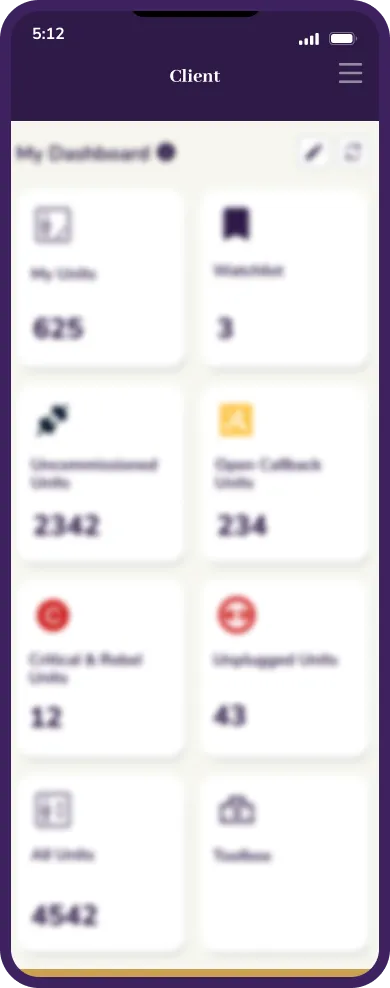
The app a mechanic carries
into the field.
Elevate is one of the world's leading elevator and escalator companies, and this was an industry project delivered with LTIMindtree. Elevate ONE View is the app field mechanics carry, the critical enabler for the IoT platform out in the field.
Its job is to digitise and manage the full lifecycle of an elevator's connectivity, commissioning, troubleshooting, maintenance, and access to real time health data. Because it is an industry project, the designs stay limited here for confidentiality, so this study leans on the story more than the screens.
In four regions, on real jobs.
10%
Reduction in the core flow after decluttering
core flow1,899
Field uploads across regions
uploads4
Global regions served, APAC, EMEA, NAA, and China
regionsFriction in exactly the moments
a mechanic needed speed.
Mechanic Issue
When technicians arrived on-site, they weren't thinking about the app. They were thinking about diagnosing equipment, keeping customers informed, and completing work efficiently.Instead of supporting those moments, the product often introduced unnecessary friction through inconsistent interactions, fragmented navigation, and unclear information hierarchy. The problem wasn't missing features. It was interrupting the work.
The best field app is the one mechanics barely have to think about.
One simplified app a field mechanic can move through quickly, anywhere in the world.
Replace multiple tangled workflows with a single simplified one
Make components behave consistently across the whole app
Give navigation a clear, predictable structure
Align the visuals with Elevate's industrial tone
Built inside a team of 35.
Planning sessions with product managers, business teams, and scrum masters to align on requirements, priorities, and goals.
Worked with development, design, and product teams to understand scope, then shared technical detail with developers for feasibility.
Created flows, presented them to the product team for approval, and handed off to development.
Supported the build, with an iterative loop between stakeholders, developers, and design to hold quality.
Why the app fought its users.
The basics come first
The app did not adapt to different screens, so layouts broke and the basics had to come first.
Consistency is familiarity
Components behaved inconsistently across the app, which made every screen feel unfamiliar.
Navigation over features
Navigation felt heavy and disconnected, so a clear, consistent structure mattered more than any single feature.
The one view.
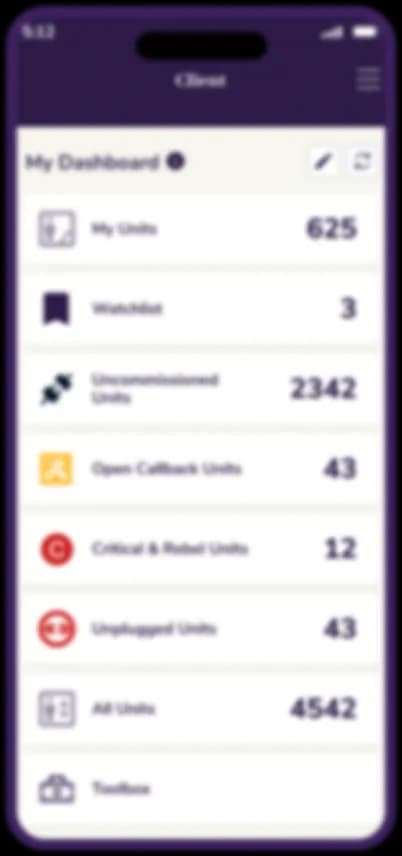
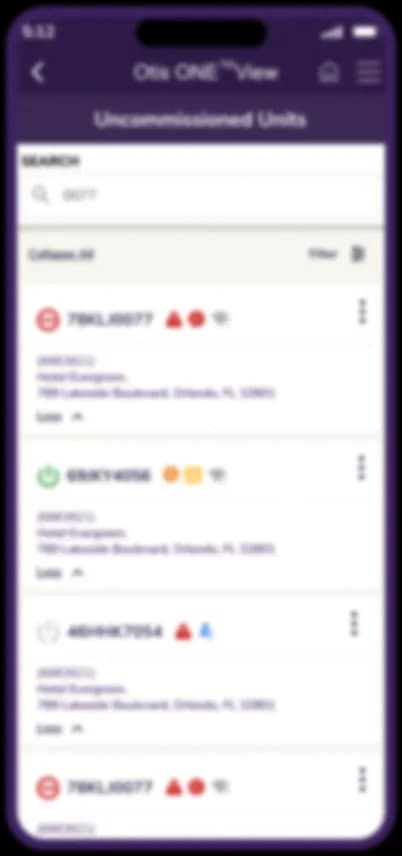
Elevate ONE View, rebuilt as one simplified workflow a mechanic can trust in the field.
What the design fixed.
Learn it once, know it everywhere.
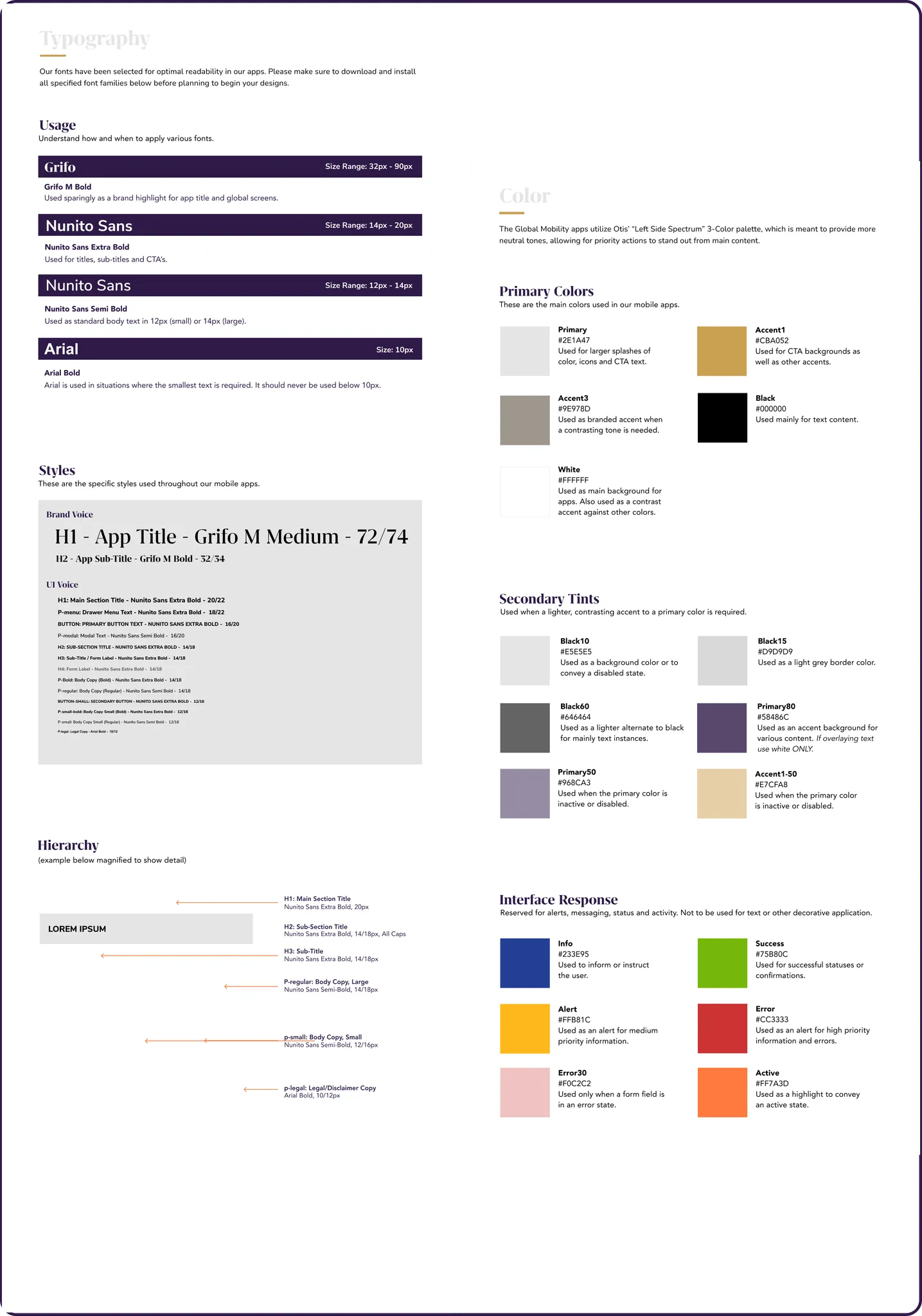
Components behaved differently from screen to screen, so every view felt unfamiliar. One consistent set now behaves the same in every flow, so a mechanic learns the app once.
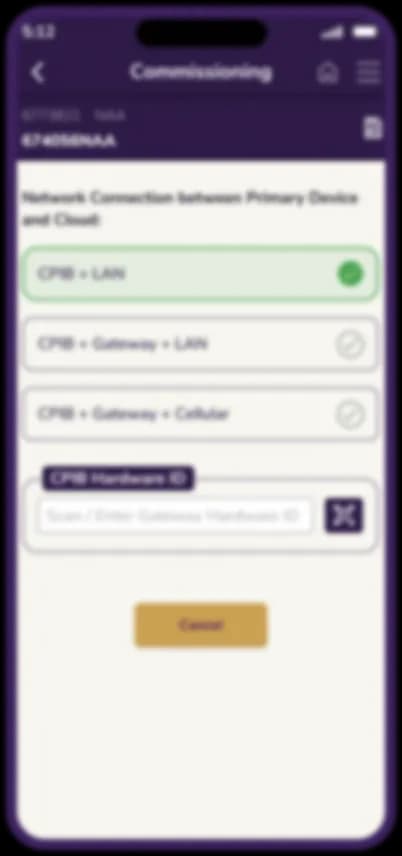
Speed where it was slowest.
Commissioning and maintenance ran through tangled paths, costing time in exactly the moments a mechanic needed it most. The flow is streamlined end to end, so the app is something you barely have to think about.
It looks like the work it does.
A generic app look sat oddly against equipment and site conditions. The visual language follows Elevate's industrial identity instead, so the tool reads as part of the job rather than borrowed from somewhere else.
What can be shown.
Selected screens, kept limited for confidentiality.
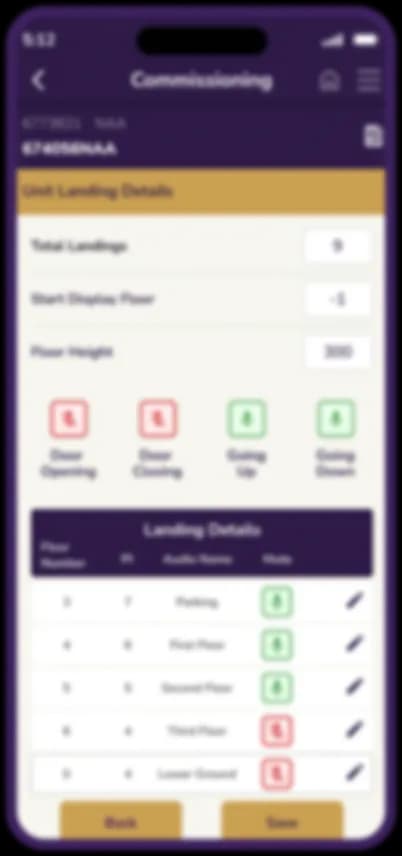
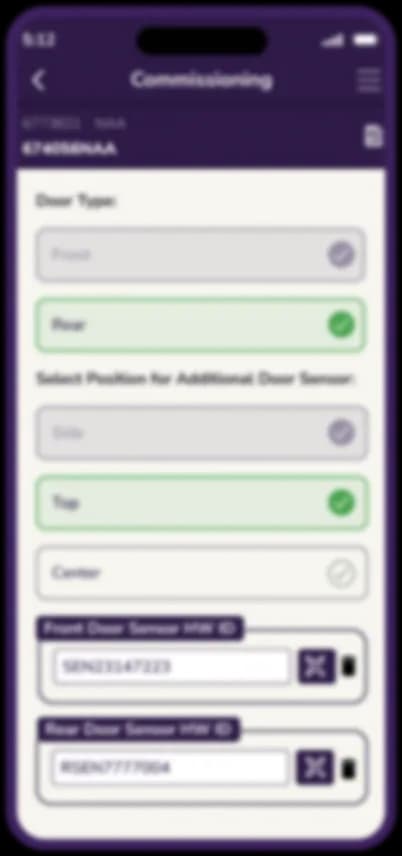
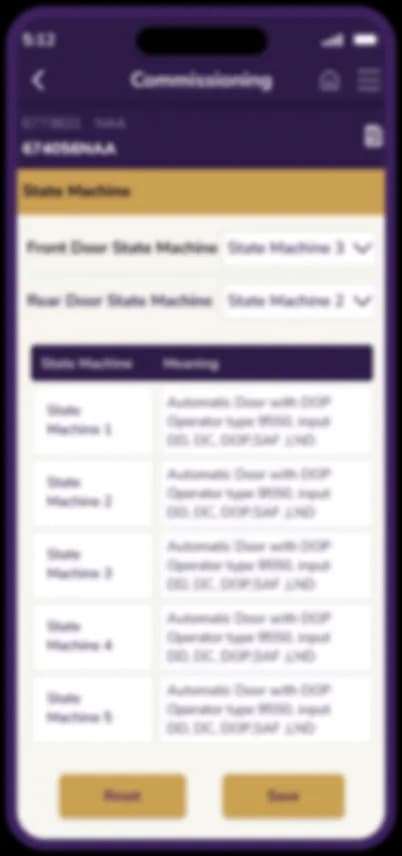
The same job, fewer steps.
The heavy old flow beside the simplified redesign.
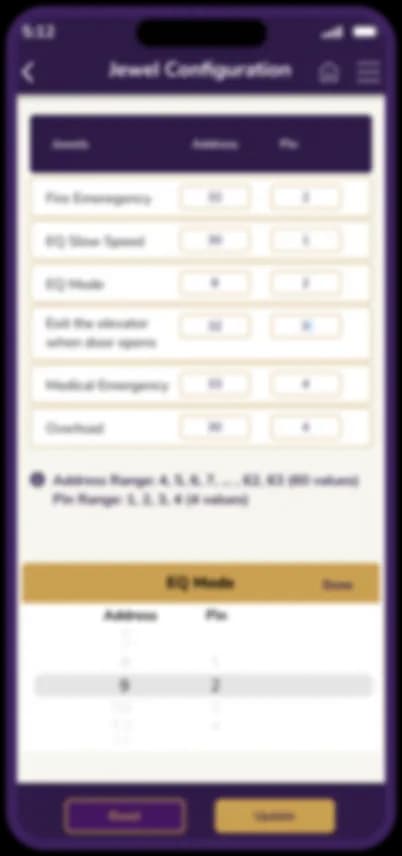
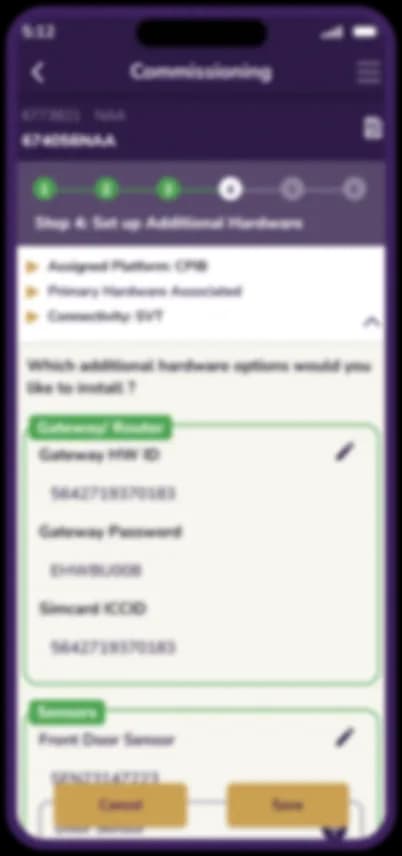
The core flow
Commissioning
- The heavy flow made simple and fast
For a mechanic on site, every extra tap is time lost, so the whole job was to take taps away.
Influence, as much as screens.
This project taught me to advocate for the right design inside a complex corporate culture, and to translate stakeholder demands into practical solutions. Often that meant choosing the least worst path under real technical and capacity constraints, while still landing a simplified, high value outcome for the mechanic.
As a founding member of the centre of excellence team, I learned as much about influence as about screens.
A simpler app, and a faster job, for mechanics in the field.